Free · No sign-up · 1920 x 1080
Funny Teams backgrounds for meetings that could have been an email
Free virtual backgrounds for Microsoft Teams, Zoom and Google Meet, all supplied at 1920 x 1080 so they upload without editing. Pick one, download it, add it under Effects and avatars. The whole thing takes about thirty seconds.
Using something else? Zoom backgrounds · Google Meet backgrounds
In season: Thanksgiving Teams backgrounds · Christmas backgrounds (cute, pink, aesthetic, snowy, for your computer)
Browse by category
Grouped the way people actually search for them. Pick the one you need — seasonal categories open as their backgrounds are added.
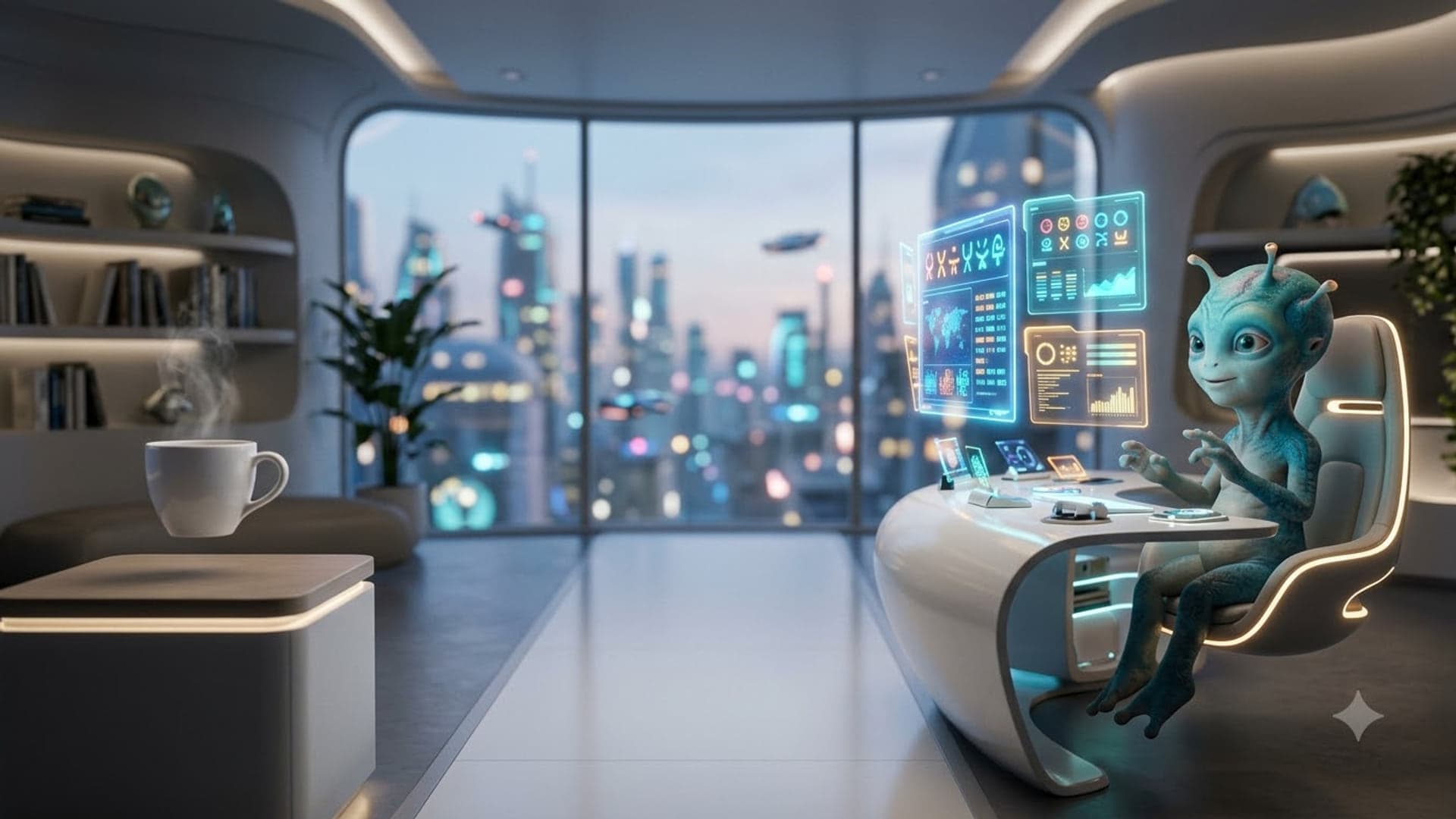
Funny Teams and Zoom backgrounds
15 backgrounds
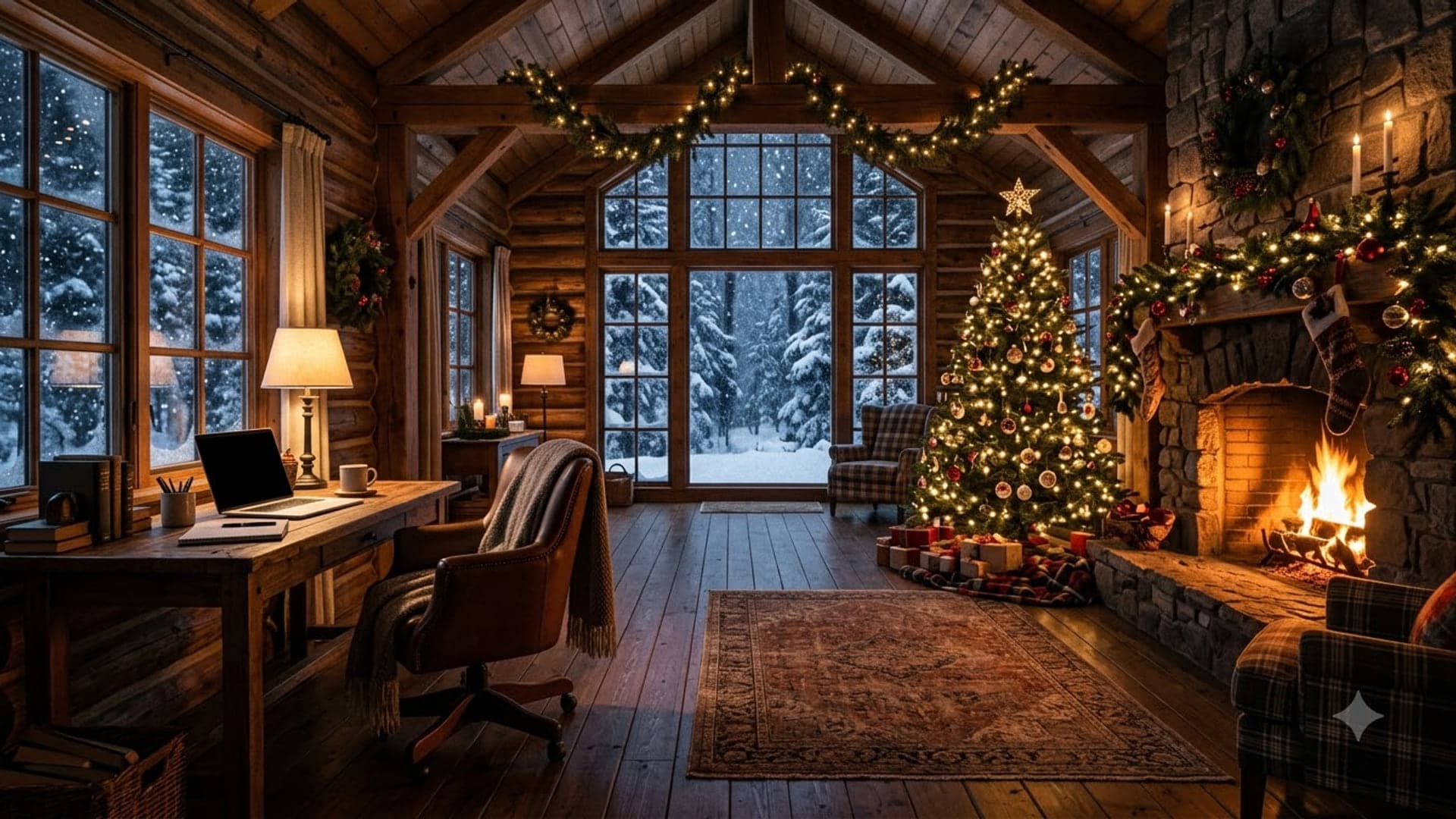
Holiday Teams backgrounds
10 backgrounds · late November to 1 January
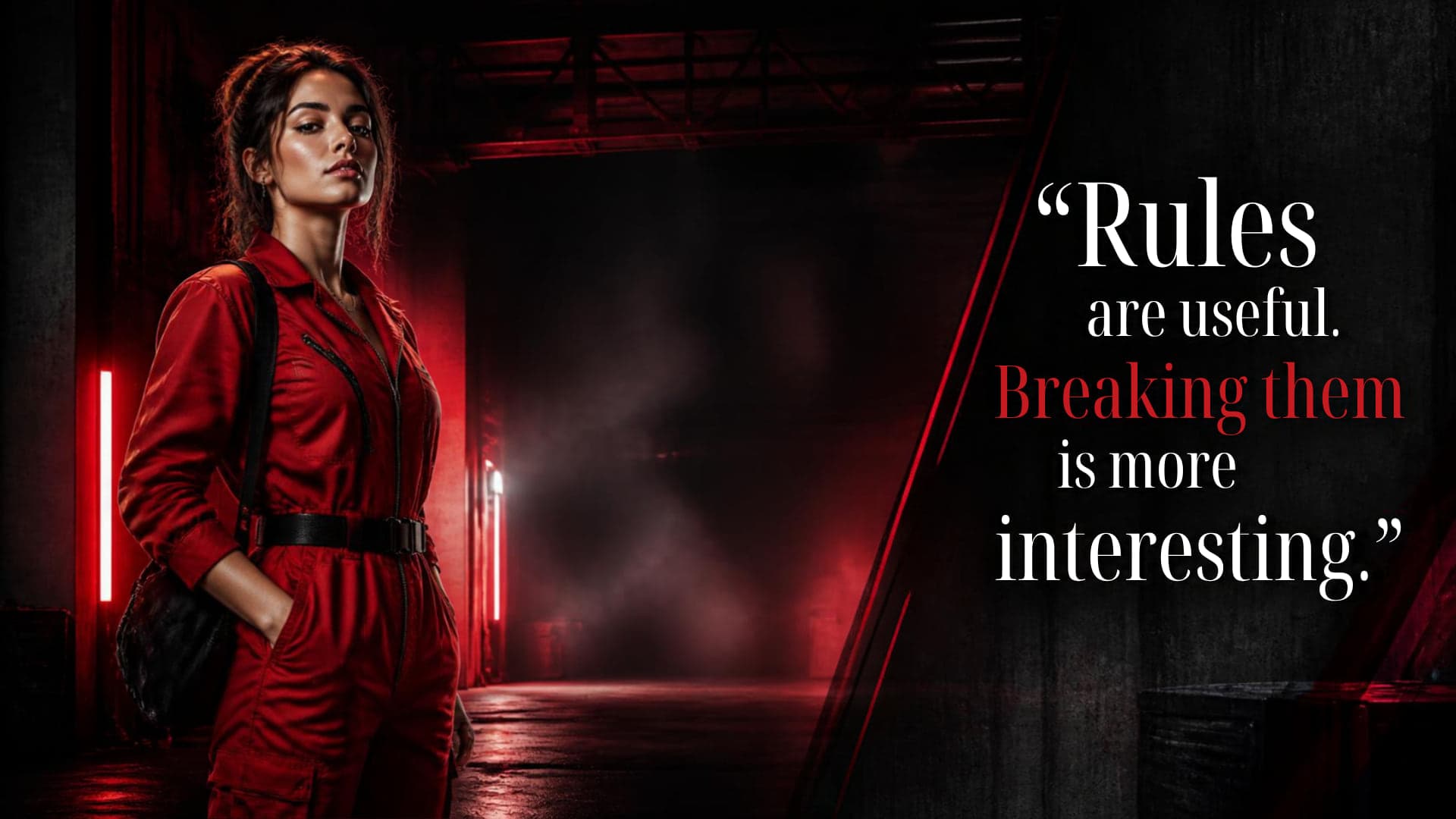
Heist Teams backgrounds
21 backgrounds
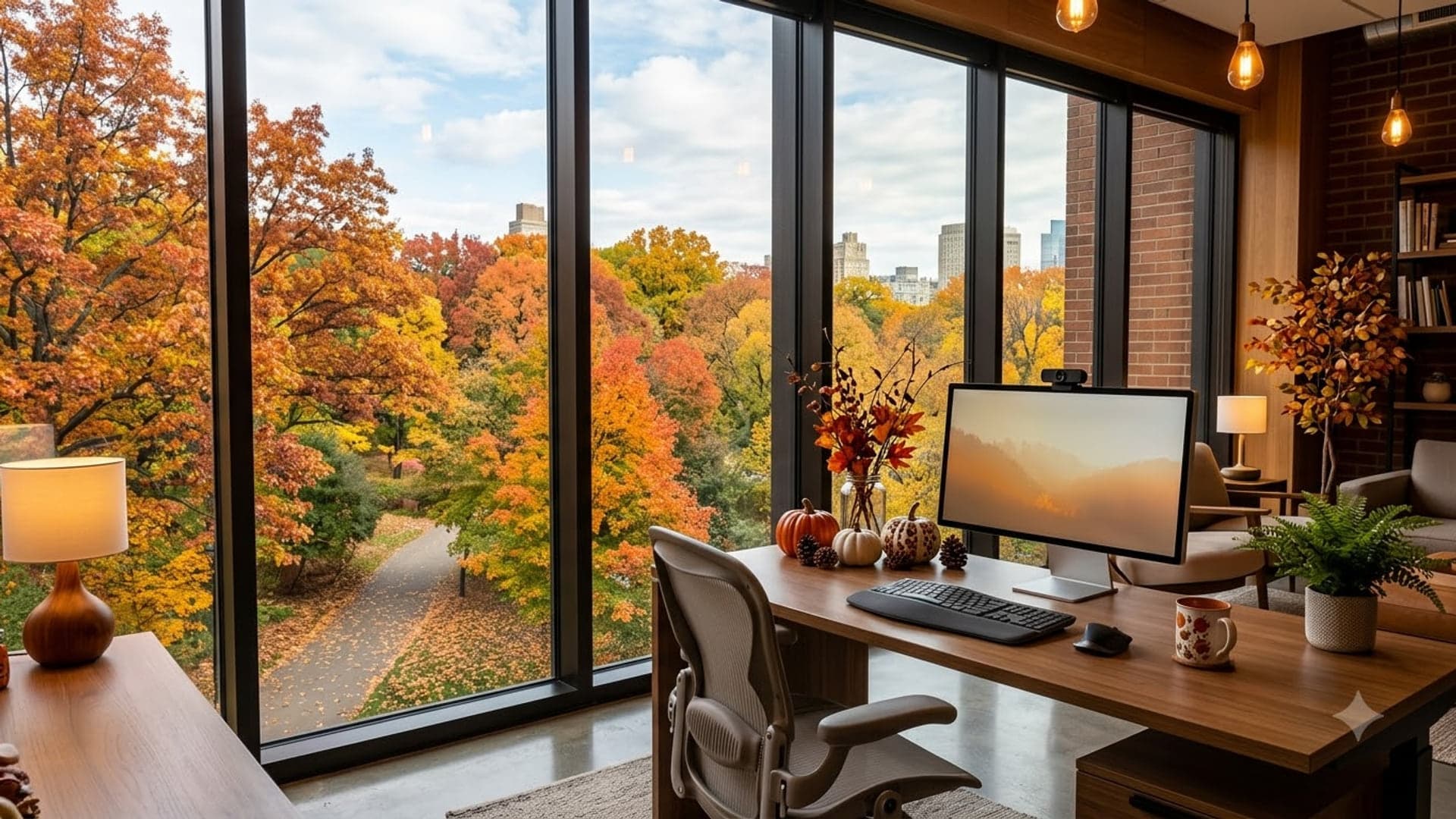
Thanksgiving and fall backgrounds for Zoom and Teams
10 backgrounds · the last full week of November

Christmas backgrounds for Teams, Zoom and your desktop
22 backgrounds · late November to 25 December

Cute Christmas backgrounds
10 backgrounds · late November to 25 December

Aesthetic Christmas backgrounds
10 backgrounds · late November to 25 December

Pink Christmas backgrounds
10 backgrounds · late November to 25 December

Christmas tree backgrounds
10 backgrounds · late November to 25 December
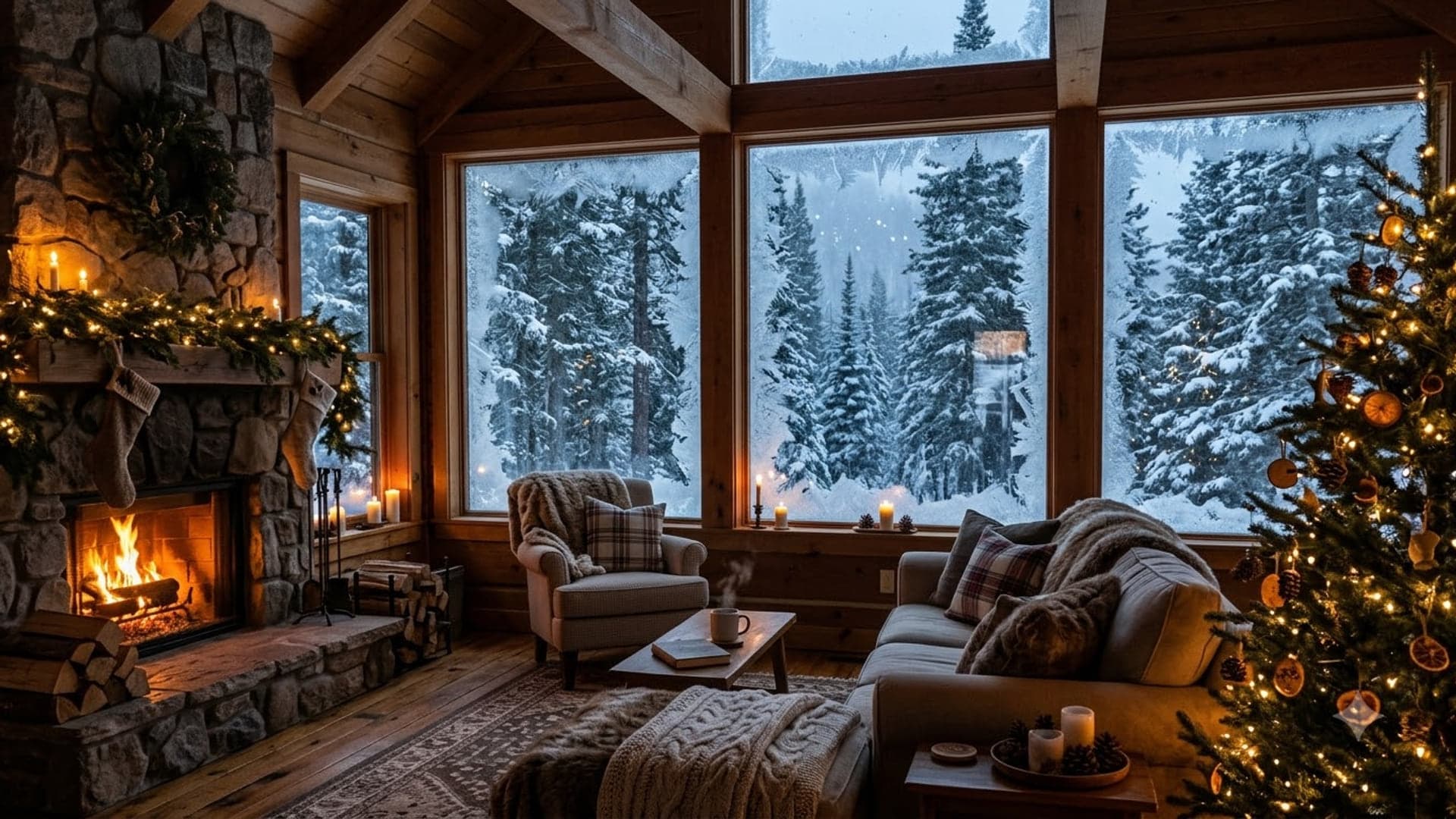
Snowy Christmas and winter backgrounds
8 backgrounds · December to February
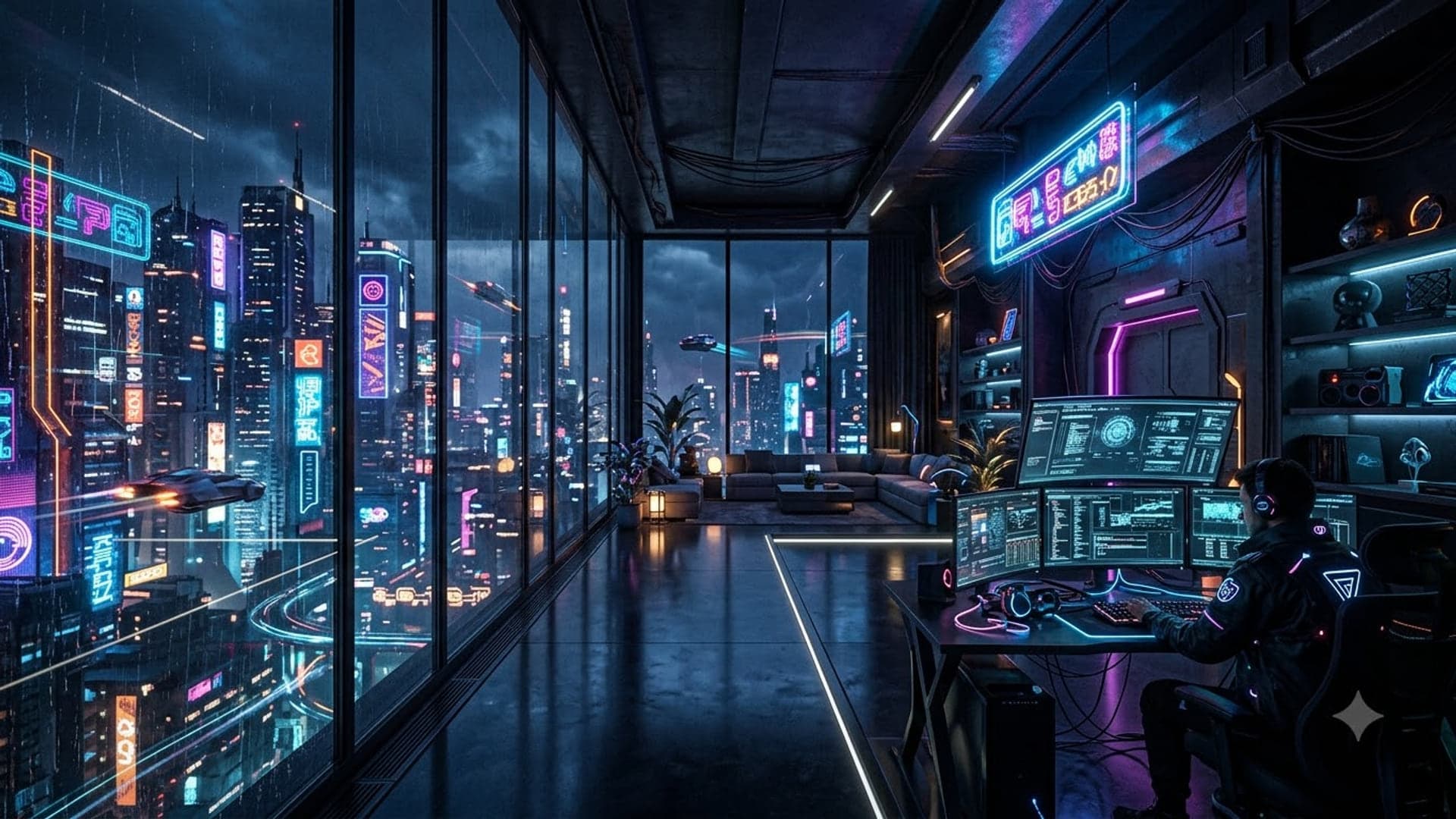
Cool Teams and Zoom backgrounds
10 backgrounds

Christmas backgrounds for your computer and Chromebook
8 backgrounds · late November to 25 December
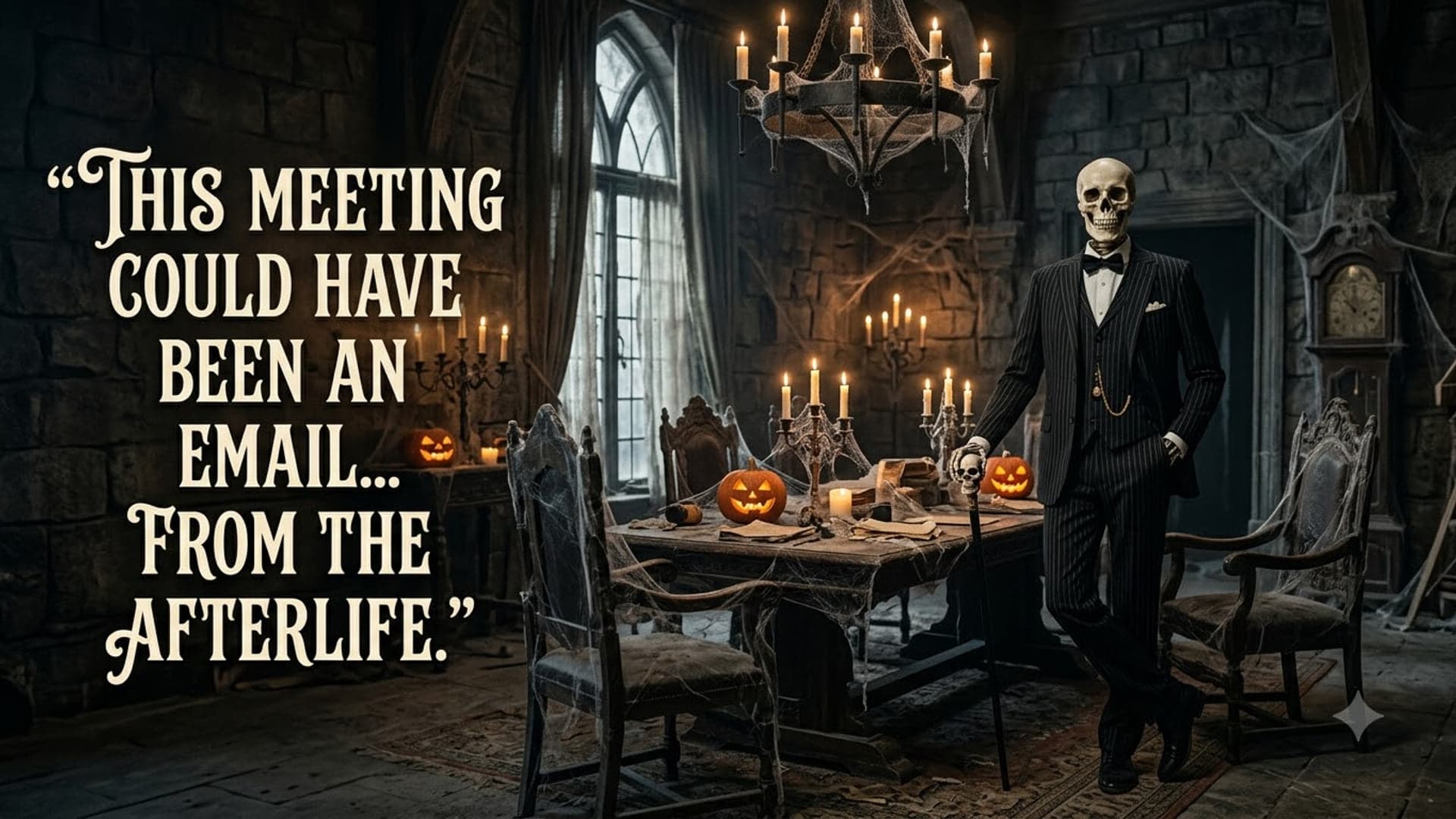
Halloween Teams backgrounds
26 backgrounds · mid to 31 October

Office backgrounds for Zoom and Teams
10 backgrounds
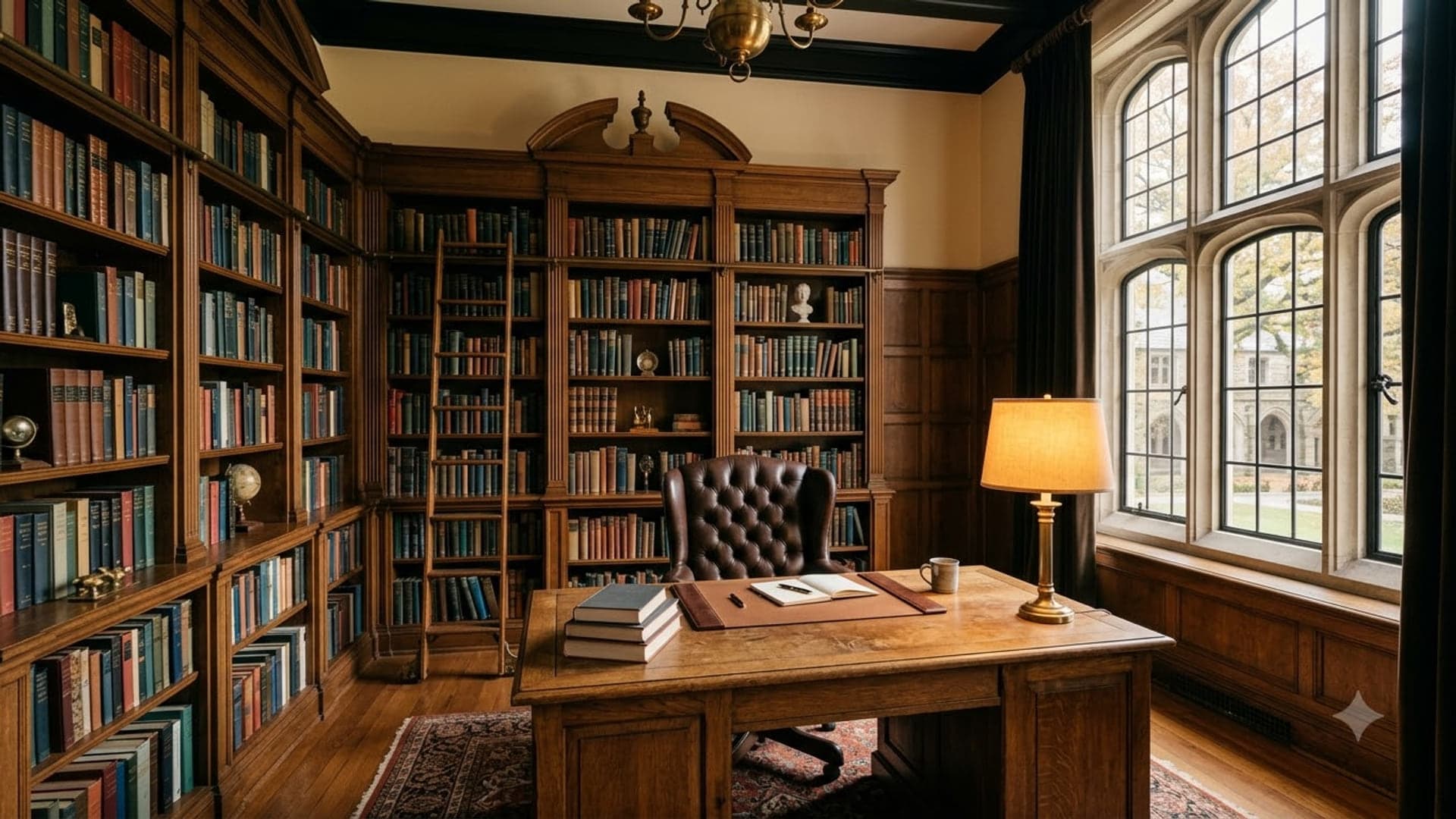
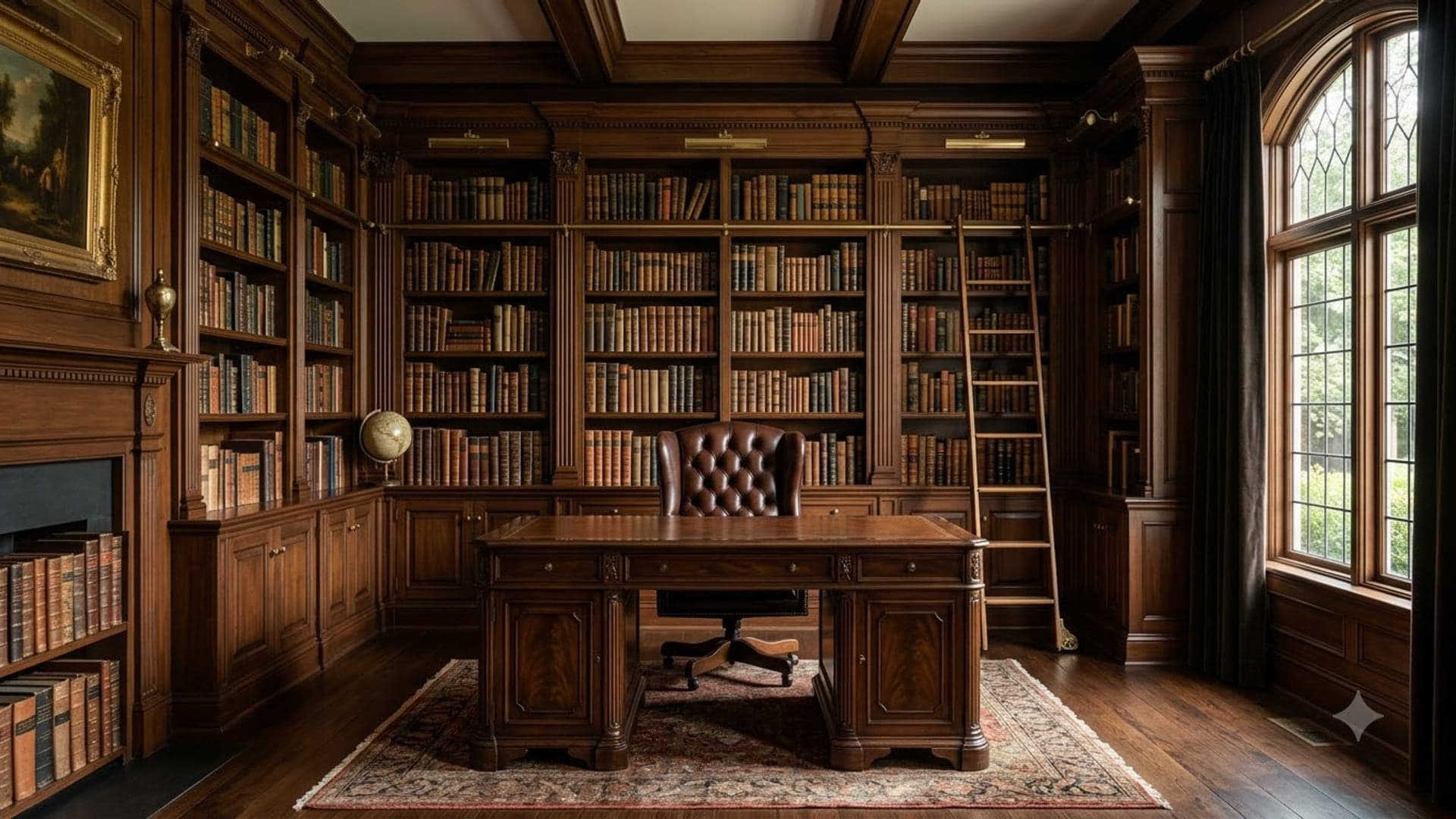
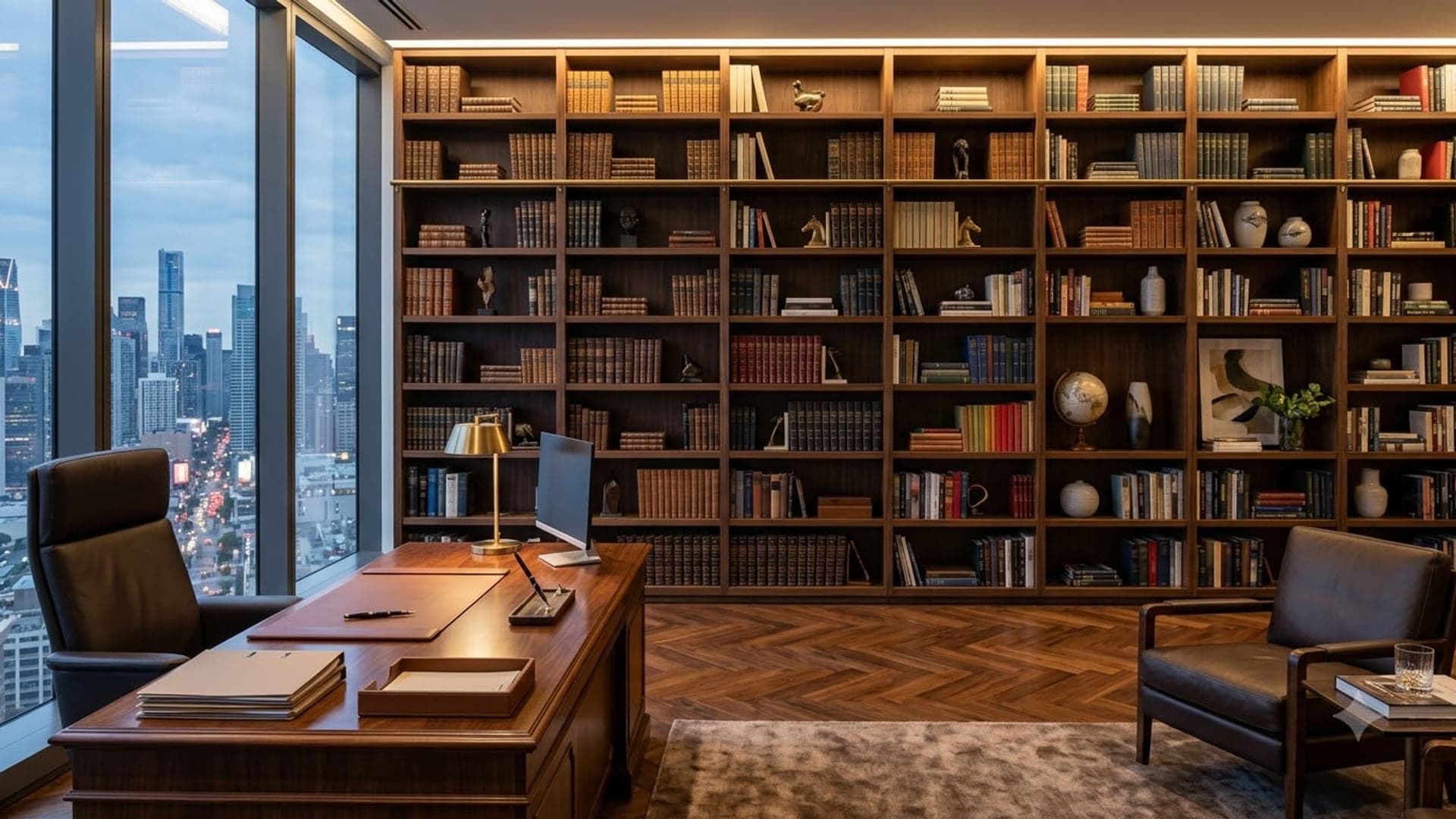
Bookshelf and library backgrounds for Zoom and Teams
10 backgrounds
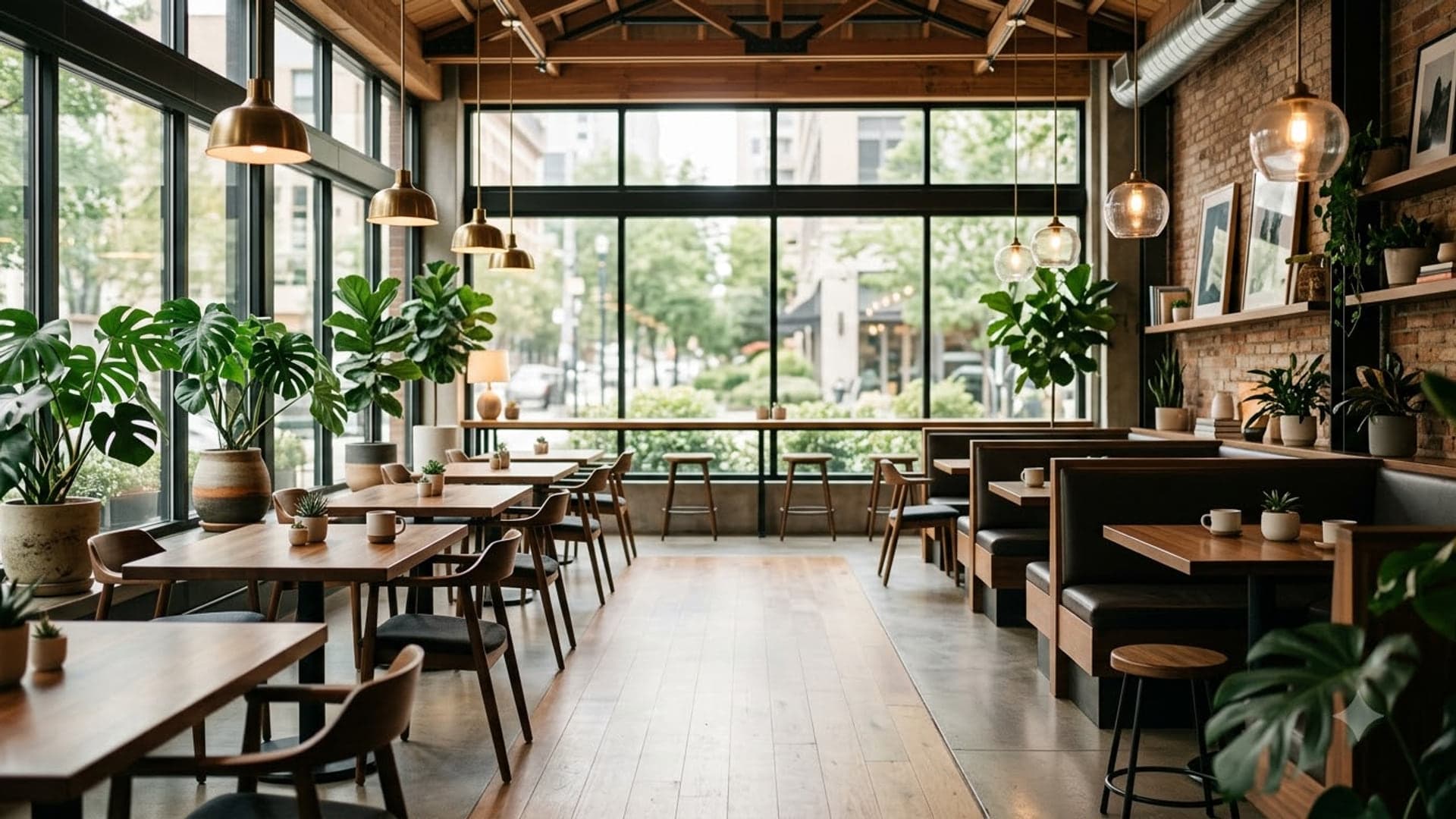
Professional Zoom and Teams backgrounds
20 backgrounds
Fresh picks
See all 210 →1920 x 1080

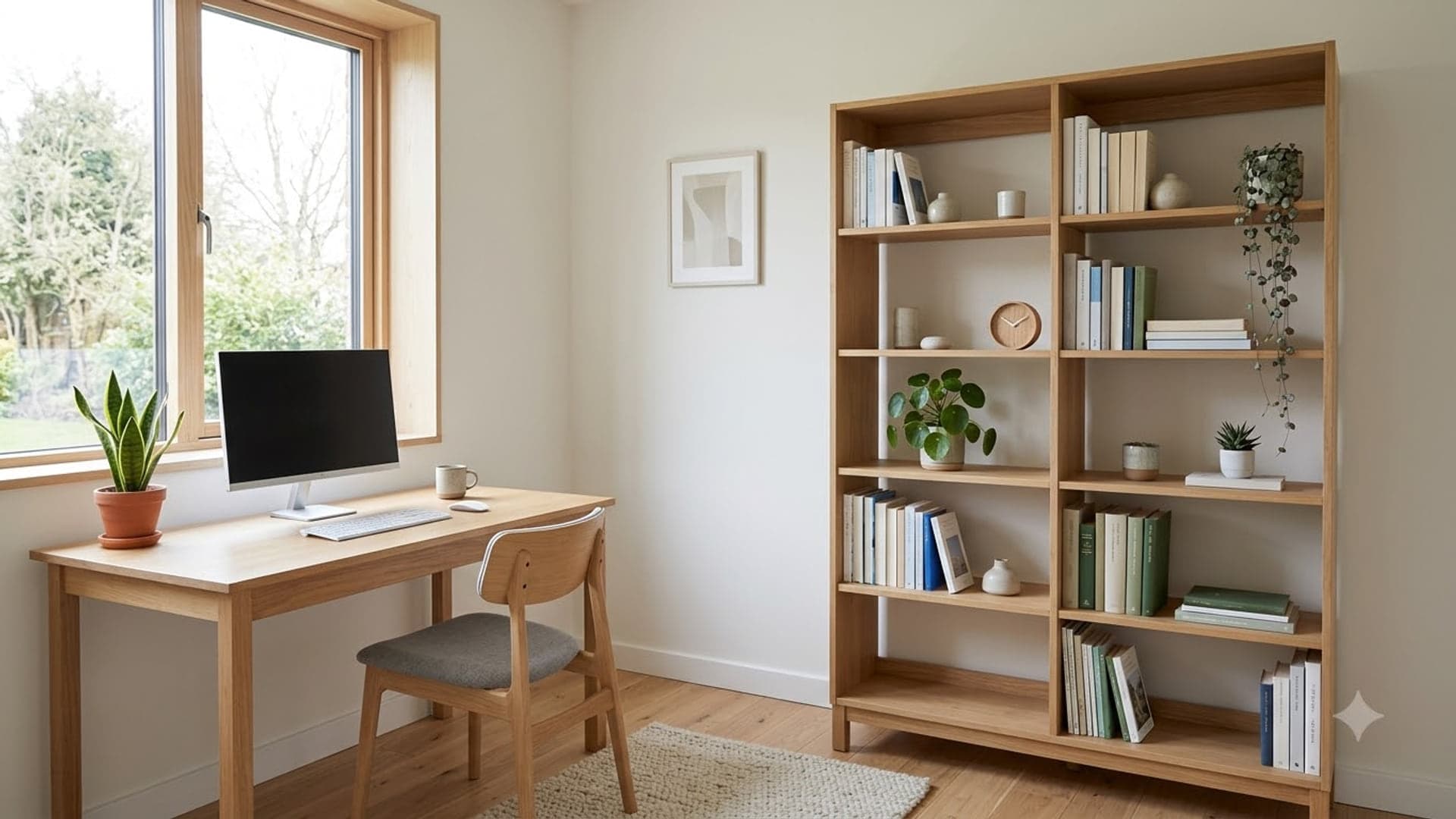
1920 x 1080

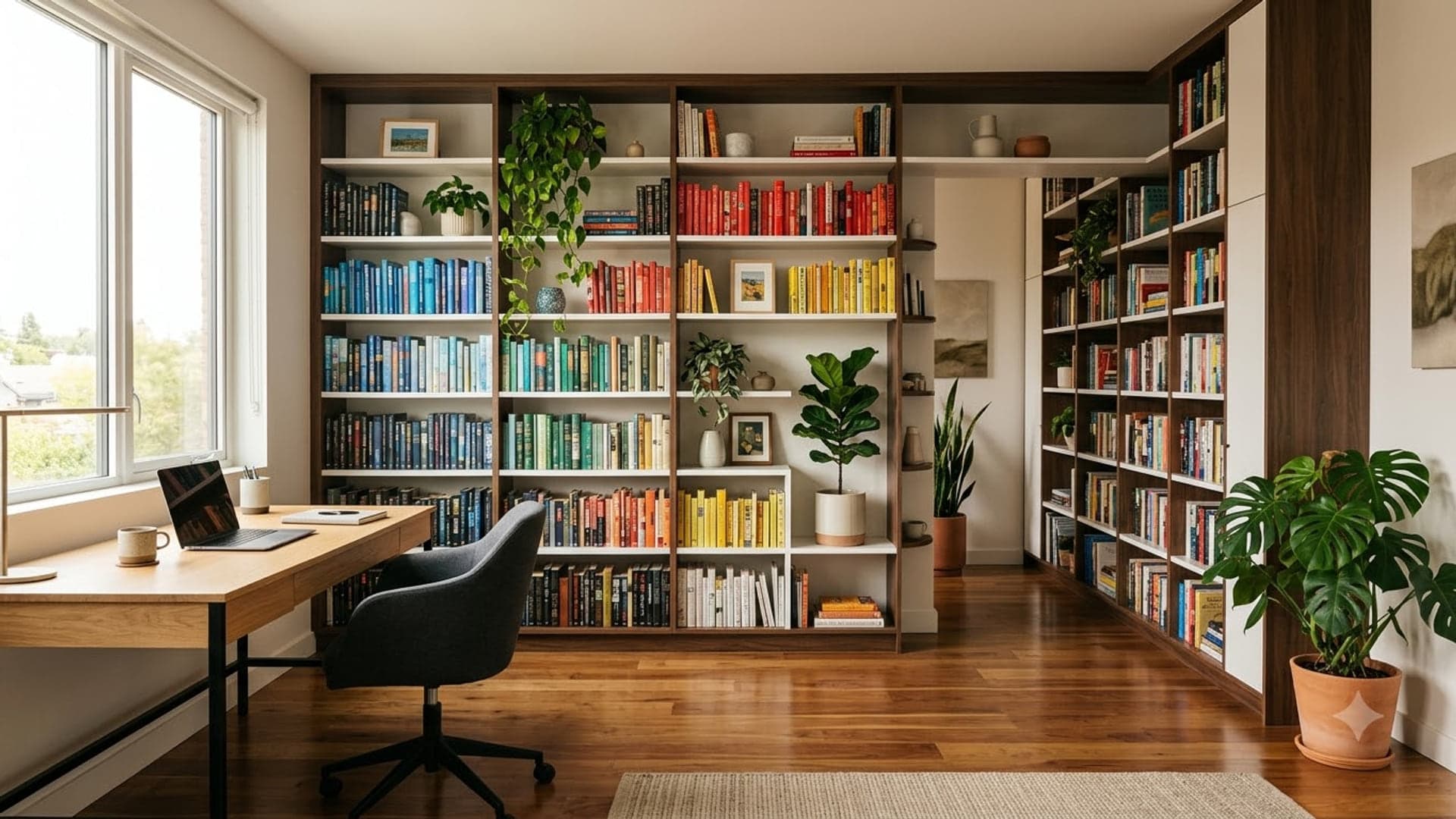
1920 x 1080

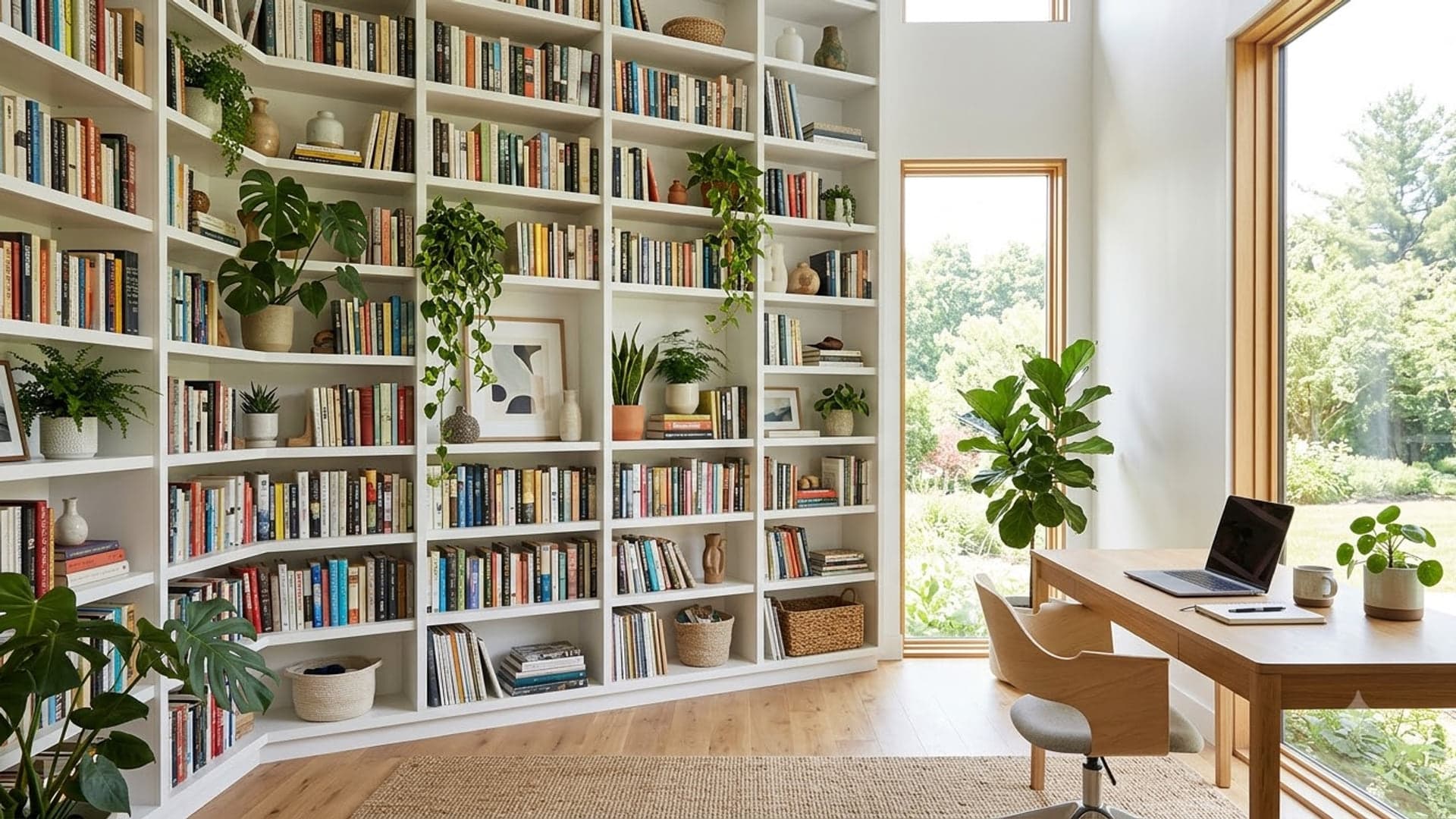
1920 x 1080

1920 x 1080


1920 x 1080


1920 x 1080

1920 x 1080


1920 x 1080

Guides
Each app hides the option somewhere different, and each has its own way of going wrong.
Backgrounds in Microsoft Teams
4 steps · 1920 x 1080 px · JPG or PNG
Read →
Backgrounds in Zoom
4 steps · 1920 x 1080 px · JPG, PNG or GIF
Read →
Backgrounds in Google Meet
4 steps · 1920 x 1080 px · JPG or PNG
Read →
How to blur your background in Microsoft Teams
Blur your background in Teams in three clicks, before or during a meeting — what blur costs in call quality, and why the option sometimes disappears
Read →
What size should a Teams background be?
A Microsoft Teams background should be 1920x1080 at 16:9
Read →
Using a green screen with Microsoft Teams
Whether a green screen is still worth using with Microsoft Teams, what it actually fixes, and how to set one up so the edge around you stops flickering
Read →
Teams background not working? Here is why
Why Add new is greyed out, why background effects vanish and why a custom Teams background will not apply — the five real causes, in order
Read →
Funny Teams backgrounds for work: which ones are safe, and when to skip the joke
Twelve funny Teams backgrounds that are safe in a work meeting, three to keep for the right room, what gets people in trouble, and how to switch to a plain one fast
Read →
What actually makes a background work on a call
The joke has to survive being a postage stamp. On a call with twelve people your video tile is a couple of hundred pixels wide, and any gag that depends on small detail simply vanishes. The ones that land read instantly at thumbnail size: one clear idea, big shapes, strong contrast.
The second thing is where your head goes. Every background effect cuts you out and pastes you into the middle of the frame, so whatever sits behind your head is hidden. Put the punchline off to one side and it survives. Put it dead centre and you will spend the meeting wearing it as a hat.
And busy images fight the cutout. Software edge detection gets confused by high-contrast clutter right at your outline, which is where that shimmering halo around people’s shoulders comes from. A background with some calm space around head height looks dramatically cleaner than one that is loud everywhere.
Quick answers
How do I add a background to Teams?
In a meeting, click the three dots in the toolbar, choose Effects and avatars, then click Add new and pick a JPG or PNG from your computer. You can do the same on the pre-join screen so nobody ever sees your real room.
What size should a Teams background be?
1920 x 1080 pixels at 16:9, saved as JPG or PNG. Every image on this site is already that size, and it also satisfies Zoom and Google Meet.
Are Teams backgrounds free?
The ones here are. Every image downloads at full size with no account, no email address and no watermark.
Do these work in Zoom and Google Meet too?
Yes. All three apps take the same 1920 x 1080 image — only the menu you upload it through is different, and there is a guide for each.